Typlr.app is a lot like any modern font or vector editor. If you’ve used one before, you’ll find it easy to learn.
Opening Your Project and Meeting the Canvas
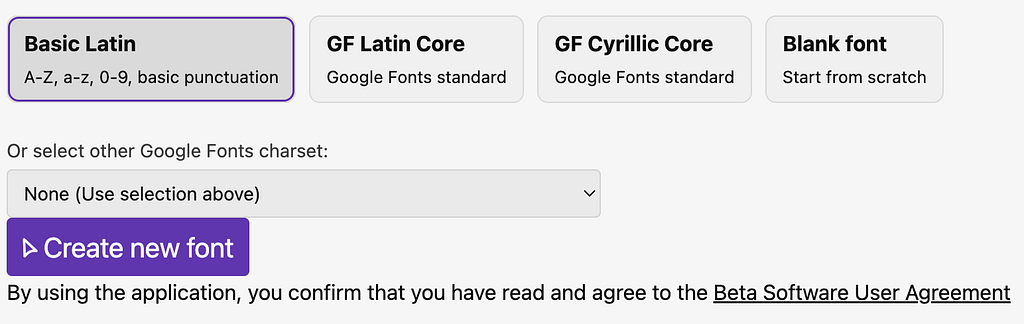
Charset selection
From your fonts dashboard, click New Font (or open an existing one). This takes you into the Typlr editor.
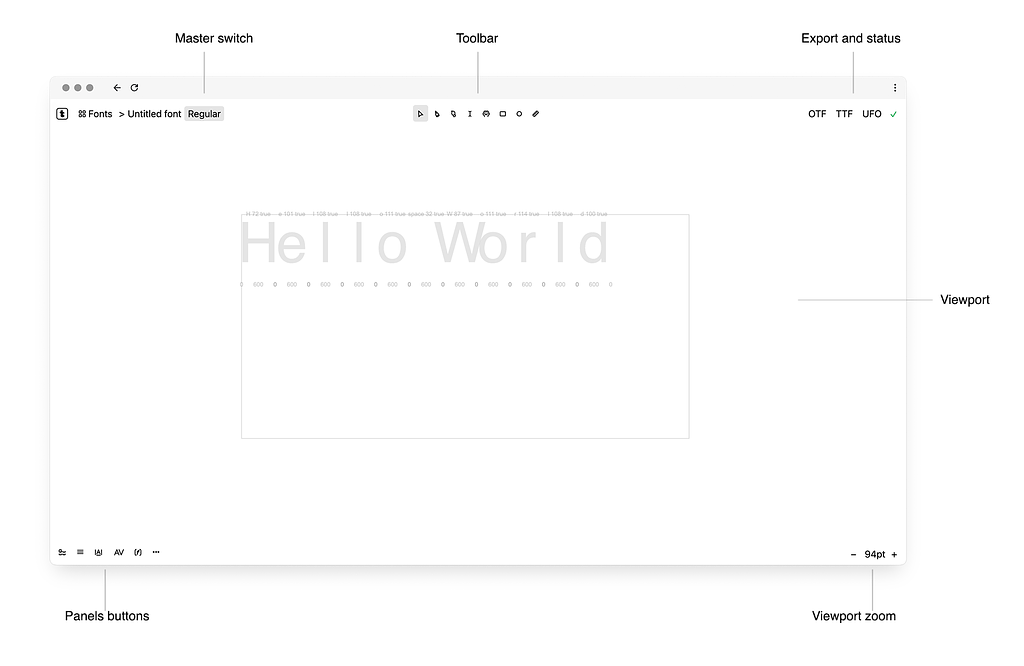
Editor interface
Take a quick look. New users will see a number of panels. Don't worry, you can close them and explore them later.
Right across the top toolbar, you have: — The font name on the left. — Your main tools in the middle. — The export buttons (OTF, TTF, UFO) ready to go in the top right.
The entire space in the center is the project canvas. Similar to editors like figma or illustrator—уou can place multiple text blocks, images and vector paths on the canvas.
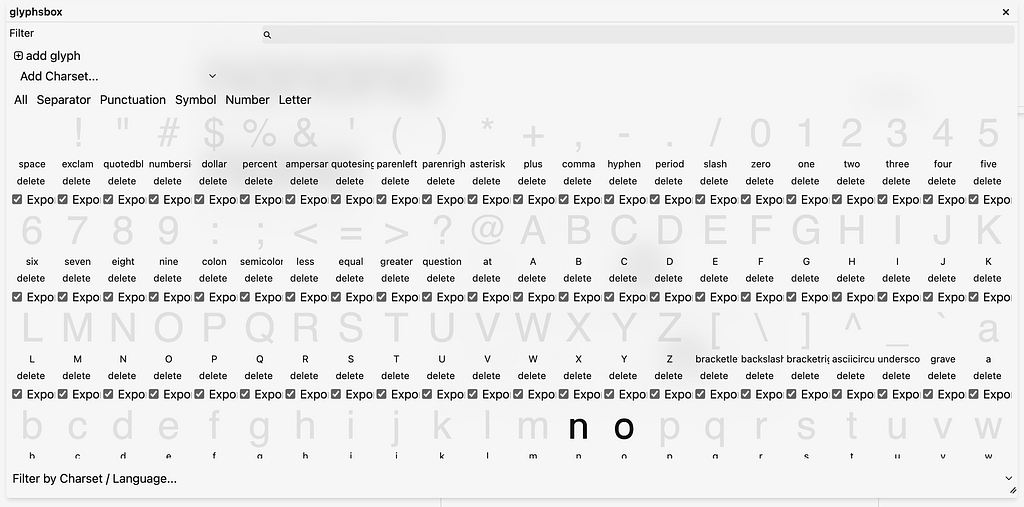
Pressing Alt+G opens a panel containing all the project glyphs.
Glyphs box
Testing Your Text on the Canvas
The best part of Typlr is that you don't need a separate preview window.
Text block
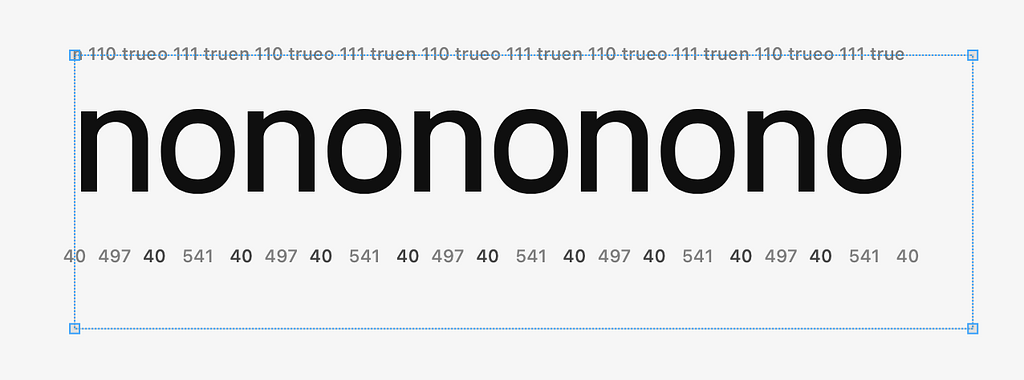
Use the text tool to create a text block and start typing. Press T to switch to the Text Tool, click right on the canvas, and type, for example, nonono. Your letters render immediately as real live text.
Double click to activate the editing area. You can use the rectangle tool or the pen tool to draw the path.
If you use another graphic editor, much of this will already be familiar to you. It's all standard: editing and deleting points, snapping to other elements, shift-based snapping, selection, copying, and so on.
In addition to the rectangle tool you can use the circle tool.
Pay attention to the direction of a path. The path should run counter-clockwise. But to cut out an area, like in the middle of letter o, path direction must be opposite — clockwise. You can change direction by selecting any point and pressing X.
Finally, let's adjust the sidebearings of both letters in the properties panel.
One-Click Export
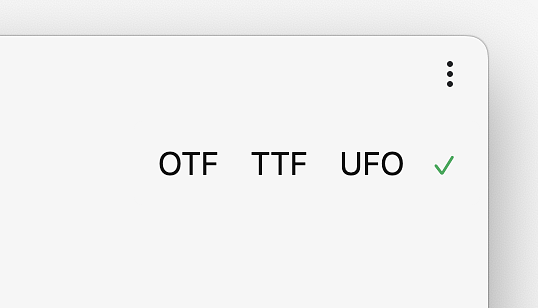
Export buttons
When you like how your letters look, look up at the top right of your toolbar.
Click the OTF button. Typlr builds your font and downloads the .otf file straight to your computer. Double-click the file to install it, open an app like Figma or Word, choose your font, and type your new letters!