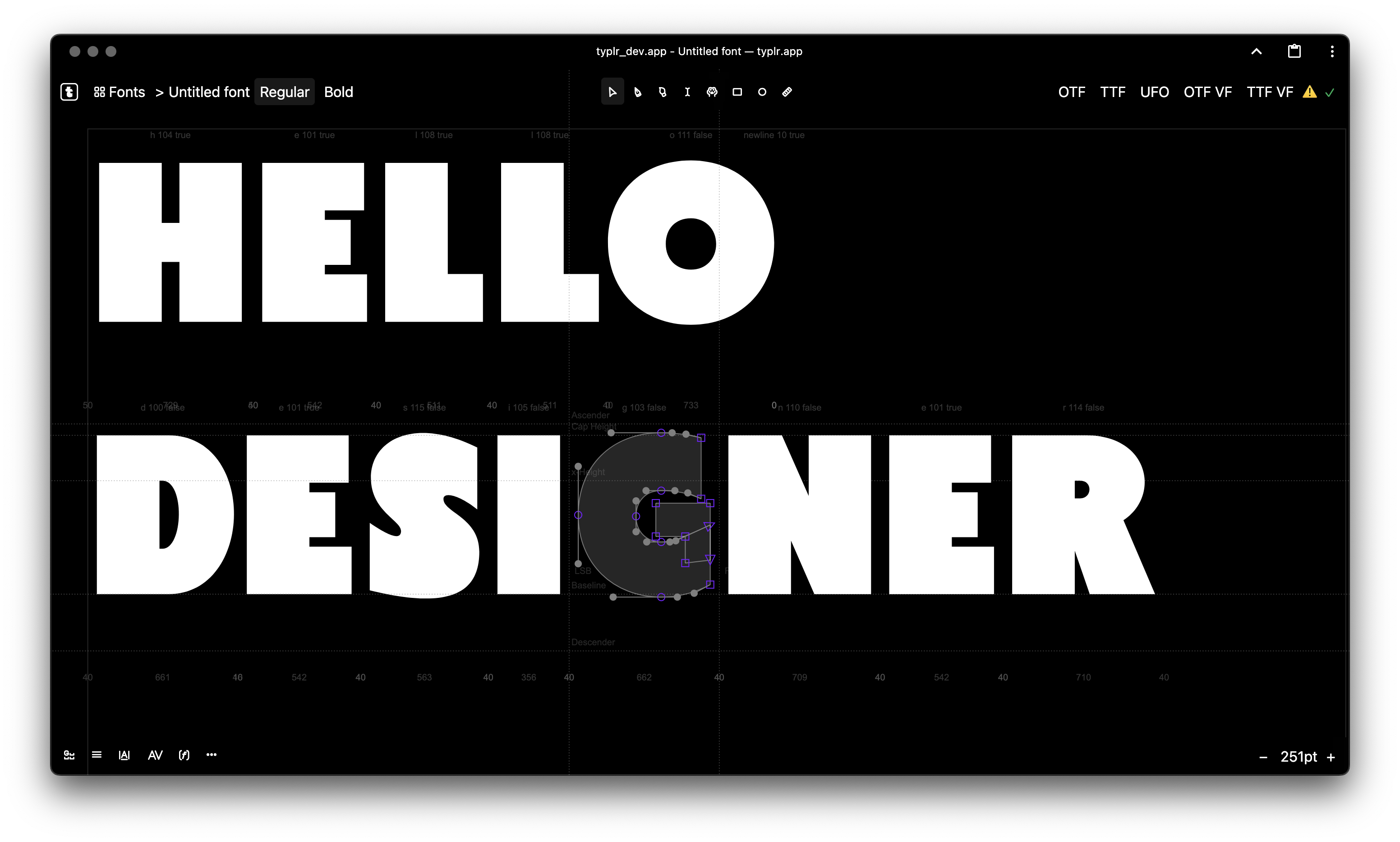
Online font editor
Create, edit and export fonts in a modern and user-friendly document-style editor
By using the application, you confirm that you have read and agree to the User Agreement & Public Offer.
Follow for updates
Features
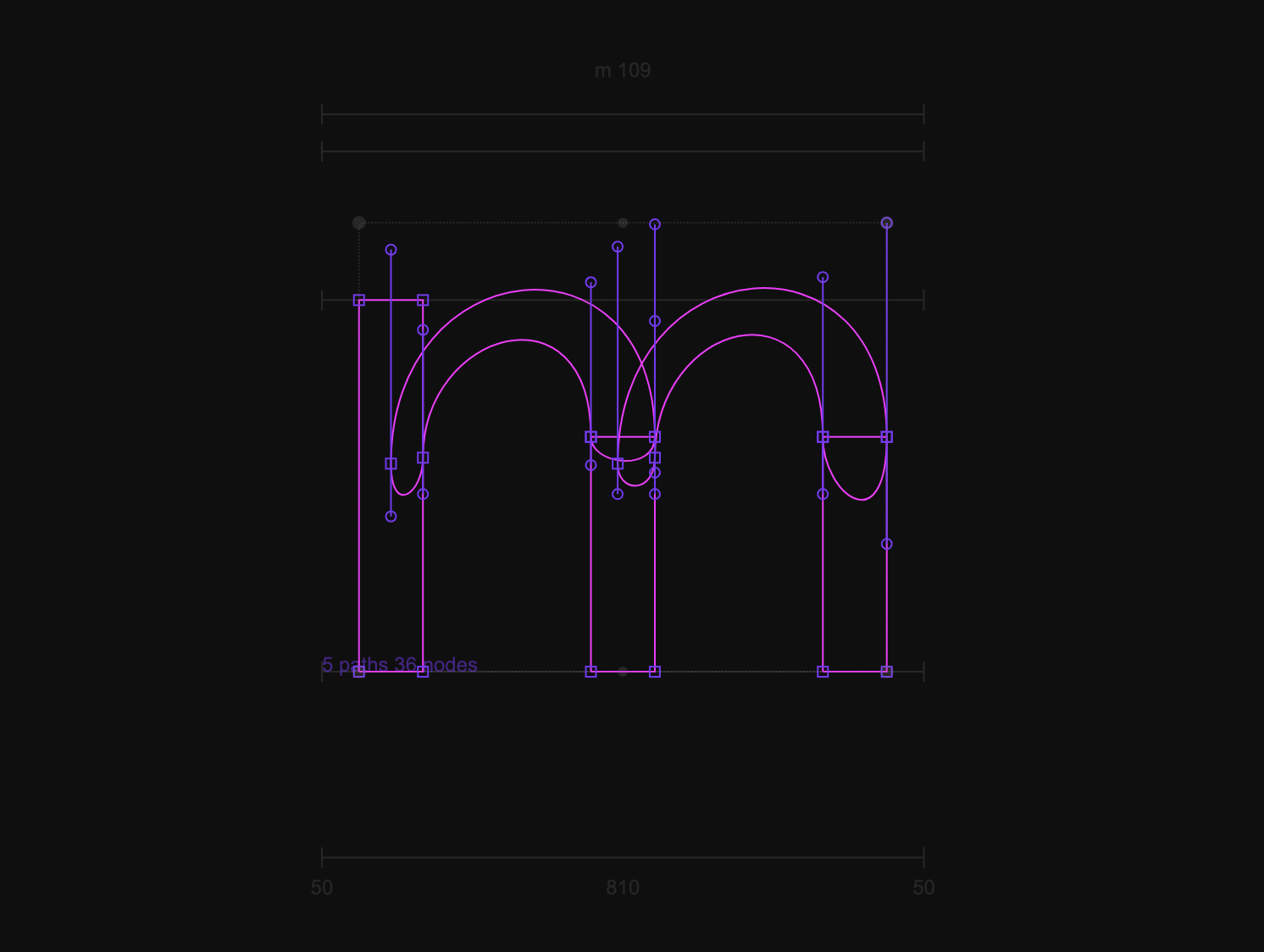
Advanced Vector Editing
Edit contours with precision. Includes Pen, Brush, Sketch, and Shape tools. Measure dimensions, manipulate points, scale, rotate, and tighten curved segments easily.
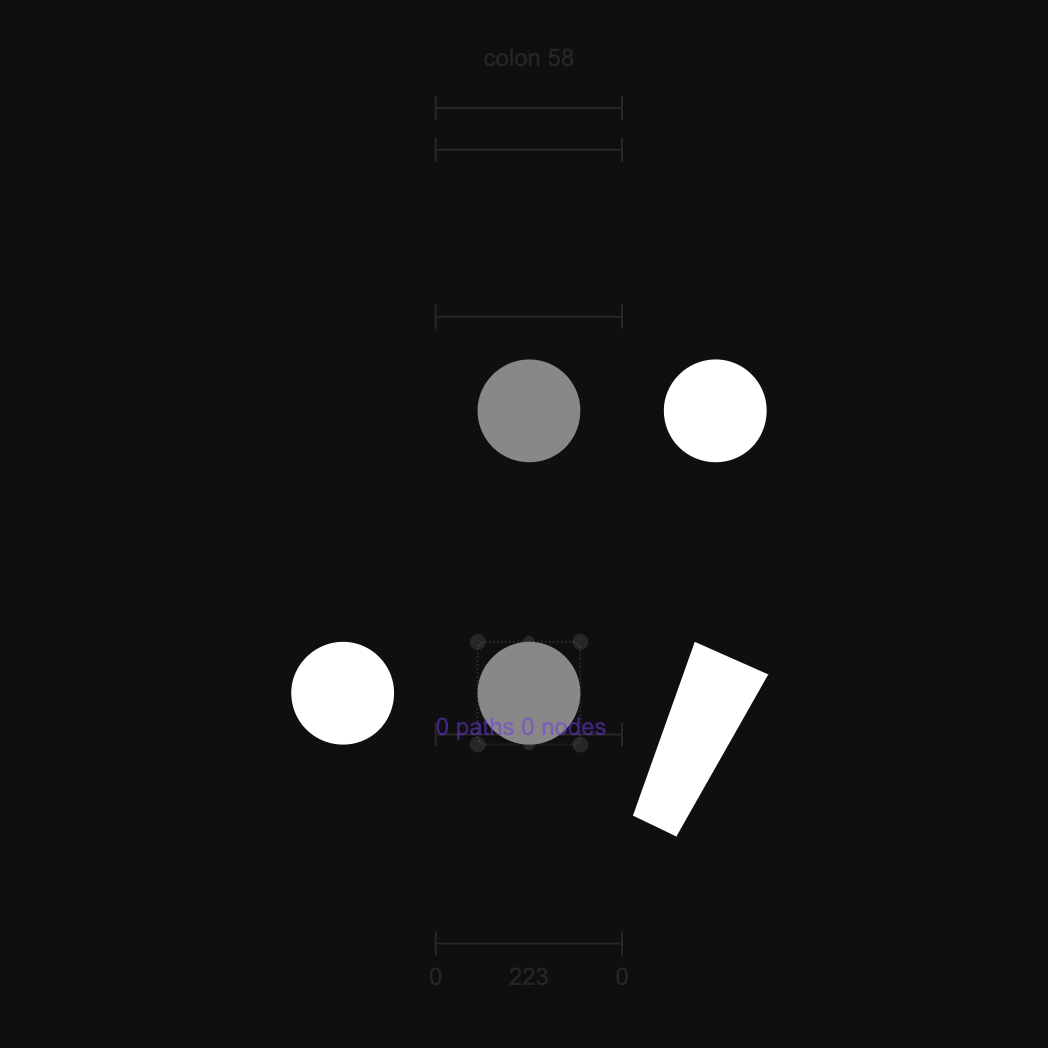
Smart Components
Build composite glyphs effortlessly. Reuse elements across your font without duplication, keeping your design system consistent and manageable.
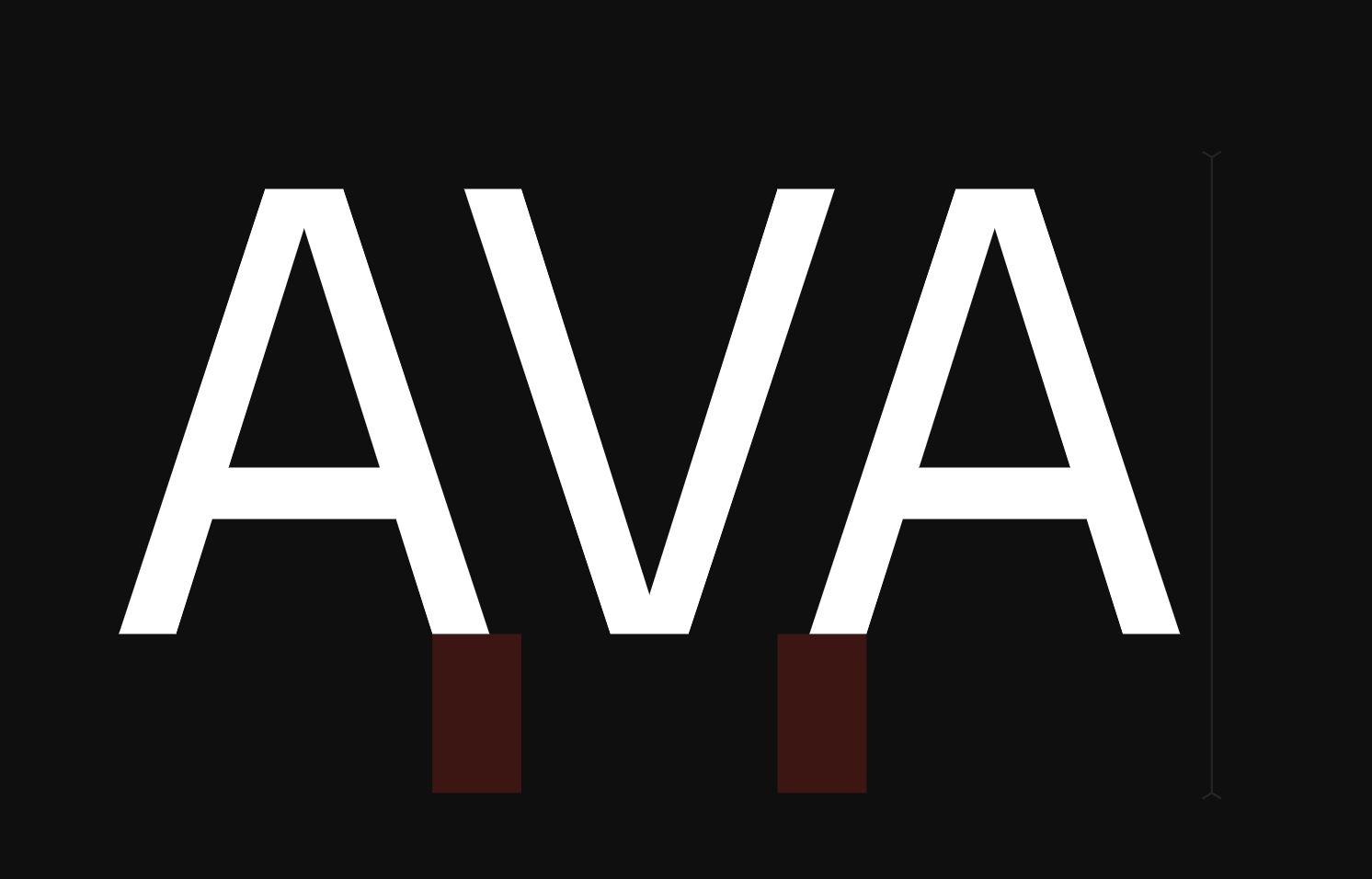
Manual & AI Kerning
Fine-tune spacing between characters manually, or let our experimental AI kerning model do the heavy lifting for you.
More about ai-kernVariable Fonts & Axes
Create flexible, dynamic fonts. Manage multiple masters, set up custom design axes, and interpolate instances seamlessly.
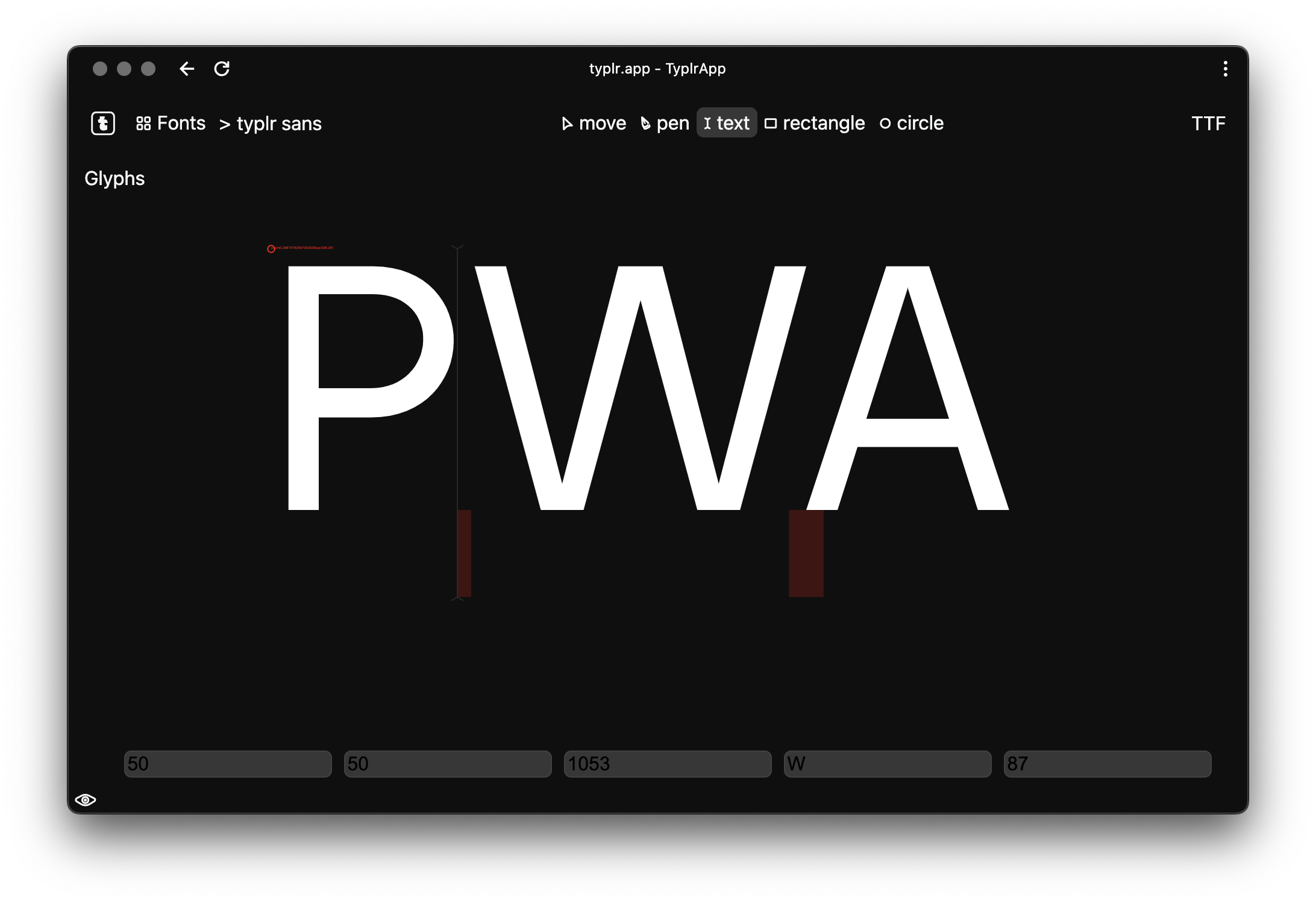
Progressive Web App (PWA)
Install Typlr directly to your device. Enjoy a native-like, distraction-free workspace that runs perfectly in its own window.
Professional Export
Export your projects directly into industry-standard formats including TrueType (TTF), OpenType (OTF), and UFO.
UFO & OTF Font Import
Import existing fonts to continue editing. Upload standard Unified Font Object (UFO) folders/archives or convert binary OpenType (OTF) files to jump-start your design process. (Experimental)
Under the Hood
Live Cloud Sync
Your work is saved automatically in real-time. Access your typography projects from anywhere without worrying about losing data.
Real-time Preview
Test your font instantly. Type out words and see how your glyphs, spacing, and kerning work together without exporting.
Boolean Operations
Easily merge, subtract, and intersect vector paths to build complex shapes in seconds.
Layers & Document Tree
Organize complex glyphs effortlessly with a dedicated layer system. Hide, lock, and manage contours with ease.
Guides & Metrics
Utilize baseline, x-height, and custom guides with intelligent snapping to keep your designs pixel-perfect.
Non-destructive History
Experiment freely with a robust undo/redo system that precisely tracks every single change.
Plans & Pricing
one-time passesPay only when you work on fonts — no recurring fees, no auto-renewals. When a pass expires, your projects remain safe and accessible.
For cards issued outside Russia
No credit card required
Essential tools to draw, test, and export your own fonts online.
- 3 active font projects
- 5 MB image storage for sketches
- 2 font imports / month (UFO)
- Full vector editor (Pen, Brush, Shapes)
- Smart reusable components
- Variable font axes & manual kerning
- TTF, OTF, and UFO export
- Cloud autosave & PWA support
- Font assistant: 25 trial credits Beta
One-time payment: $24 total · Save 12%
Expanded capacity and professional tools for independent designers and freelancers.
- 10 active font projects
- 20 MB image storage for artwork
- Unlimited font imports (UFO, OTF & TTF Soon)
- Team collaboration & comments Soon
- WOFF & WOFF2 webfont export Soon
- Advanced kerning & multi-master axes
- Project sharing via view link
- Everything in Free included
- Font assistant: 100 credits / month (300 total) Beta
One-time payment: $60 total · Save 17%
Uncapped power, maximum storage, and experimental tools for studios and type foundries.
- Unlimited font projects
- 100 MB image storage
- Unlimited font imports (UFO, OTF & TTF Soon)
- Real-time co-editing & team sharing Soon
- WOFF & WOFF2 webfont export Soon
- AI-powered auto kerning Beta
- Cloud version history & rollbacks Soon
- Direct priority developer support
- Everything in Standard included
- Font assistant: 300 credits / month (900 total) Beta
Made in Typlr
Explore fonts created by our community
OT Commersant
by Evgeniy Agasyants
OT Singleton
by Evgeniy Agasyants
Untitled font
by Evgeniy Agasyants
OT Overspeed
by Evgeniy Agasyants
_skills_
by Evgeniy Agasyants
OT Circularius
by Evgeniy Agasyants
_fat_draft
by Evgeniy Agasyants
_brush_style_fon
by Evgeniy Agasyants
_thing_
by Evgeniy Agasyants
_brush test fon
by Evgeniy Agasyants
OT Perception
by Evgeniy Agasyants
typlr sans
by Evgeniy Agasyants
Hi!
My name is Evgeny Agasyants. I create fonts and I enjoy programming. One day, I thought, "Why not combine these two passions in one big hobby?" This is how typlr.app font editor came to be.
So far, the editor isn't perfect, but small updates have been released every week. You can now try contour drawing, component creation, paired kerning, and saving work in Truetype format.
I'm making the editor as I imagine a perfect editor to be, and I want everyone to have access to it in the future. Since the editor is still in testing, it's free to use, but please be aware that there may still be issues with operation, errors, and, unfortunately, data loss.
If you'd like to support my work, consider becoming a sponsor, asking a question, or simply chatting. Feel free to email me at
agasyanc@gmail.com
Mostly made with HTML Canvas, Vanilla Typescript, Ruby on Rails and Fonttools library — About inspiration and libraries
Subscribe to news and updates
Share about typlr.app